




PCAN-Explorer 6: Instruments Panel Add-in 6
Build your own CAN dashboard and control panel in PCAN-Explorer 6
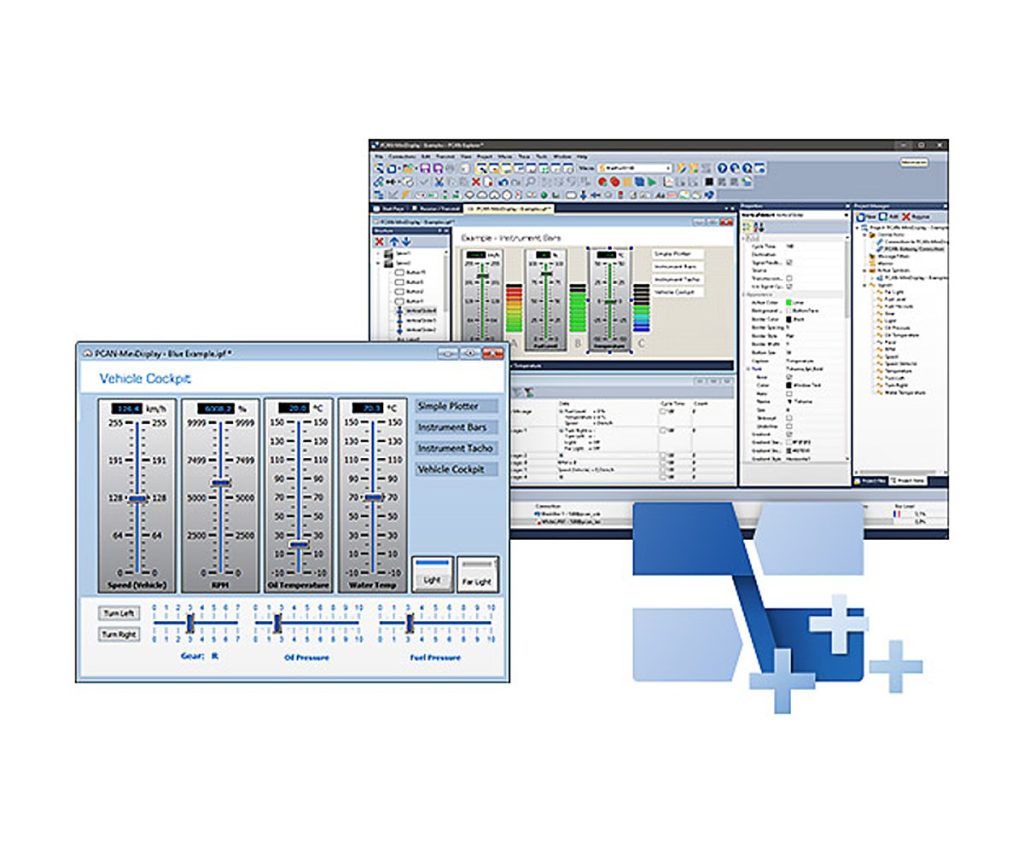
The Instruments Panel Add-in gives PCAN-Explorer 6 a drag-and-drop panel of gauges, indicators and controls. Signals decoded from incoming CAN messages drive the displays, while switches, sliders, potentiometers and input fields put messages on the bus.
That makes it practical for quick simulations of CAN applications and for operator screens on a test bench. Panels can hold several scenes that change at runtime, and the whole panel can be automated through its object model with COM and scripts.
Highlights
- Analog and digital instruments driven by CAN signals
- Switches, sliders, potentiometers and input fields that transmit CAN messages
- Analog 360° gauge and shape elements (squares, rectangles, circles, ellipses)
- Several scenes on one panel, switched at runtime or by signal value
- Automation through COM and scripts
Panel editing
- Free placement by drag and drop or by numeric position
- Select and configure several elements at once in the property window
- Signal-dependent image lists and scenes
- Save and load complete panel configurations
Requirements
- PCAN-Explorer 6 (licensed)
- Windows 11 (x64/ARM64) or Windows 10 (x86/x64)
- A free USB port for the installation stick and the copy protection dongle
Key Specifications
| Spec | Value |
|---|---|
| Order number | IPES-006088 |
| Base product | PCAN-Explorer 6 (required) |
| Function | Signal display and CAN message generation |
| Operating system | Windows 11 (x64/ARM64), Windows 10 (x86/x64) |
| Licence | Single computer licence or portable licence with USB copy protection dongle |
| Delivery | USB stick |
In the Box
- Licence (single computer or USB dongle)
- Installation files for the Instruments Panel Add-in
- Documentation in HTML help format
This add-in extends PCAN-Explorer 6 and needs a licensed PCAN-Explorer 6 installation. Other add-ins for PCAN-Explorer 6: Plotter Add-in 6, CANdb Import Add-in 6, J1939 Add-in 6.
For PCAN-Explorer 7, order the PCAN-Explorer 7 Instruments Panel Add-in.
For quantities, lead time or a quote, contact Pertech.
