




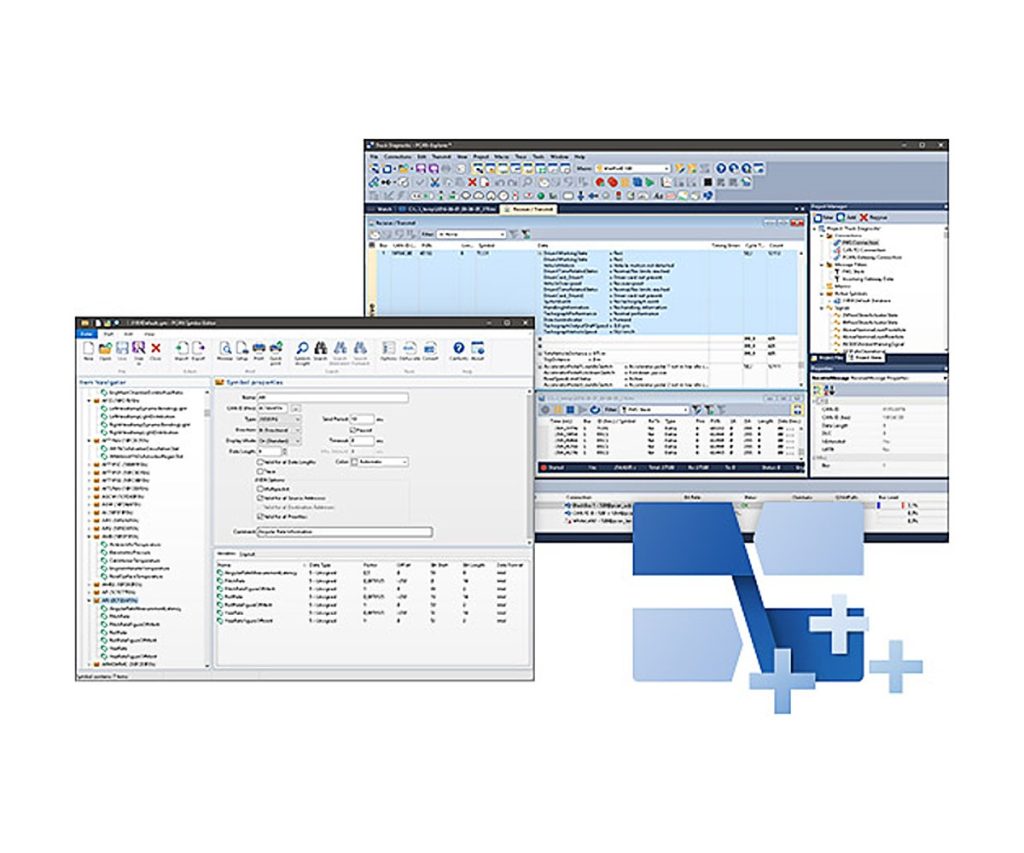
PCAN-Explorer 6: J1939 Add-in 6
Read and send SAE J1939 parameters by name in PCAN-Explorer 6
SAE J1939 is the CAN protocol used in trucks, buses, agricultural and other utility vehicles for control and diagnostic data, built on 29-bit extended identifiers. This add-in teaches PCAN-Explorer 6 the parameter groups defined by the standard, so you work with named parameters instead of raw IDs and bytes.
It comes with a J1939 database (revision September 2024) that holds the definitions and parameters. PEAK allows that database to be used only together with PCAN-Explorer and this add-in. J1939 FD (SAE J1939-22 over CAN FD) is not supported in this version.
Highlights
- SAE J1939 parameter groups decoded by name
- J1939 database included (revision September 2024)
- Broadcast messages or messages to individual ECUs, up to 254 addresses
- Multi-packet messages supported
- Monitor window to show and request Diagnostic Trouble Codes (DTCs)
Requirements
- PCAN-Explorer 6 (licensed)
- Windows 11 (x64/ARM64) or Windows 10 (x86/x64)
- A free USB port for the installation stick and the copy protection dongle
Key Specifications
| Spec | Value |
|---|---|
| Order number | IPES-006089 |
| Base product | PCAN-Explorer 6 (required) |
| Protocol | SAE J1939 on CAN (J1939-22 for CAN FD not supported) |
| ECU addressing | Up to 254 ECUs |
| Operating system | Windows 11 (x64/ARM64), Windows 10 (x86/x64) |
| Licence | Single computer licence or portable licence with USB copy protection dongle |
| Delivery | USB stick |
In the Box
- Licence (single computer or USB dongle)
- Installation files for the J1939 Add-in
- J1939 database
- Documentation in HTML help format
This add-in extends PCAN-Explorer 6 and needs a licensed PCAN-Explorer 6 installation. Other add-ins for PCAN-Explorer 6: Plotter Add-in 6, Instruments Panel Add-in 6, CANdb Import Add-in 6.
For J1939 FD support, see the PCAN-Explorer 7 J1939 Add-in; for a vehicle connection, the PCAN-Cable J1939.
For quantities, lead time or a quote, contact Pertech.
