



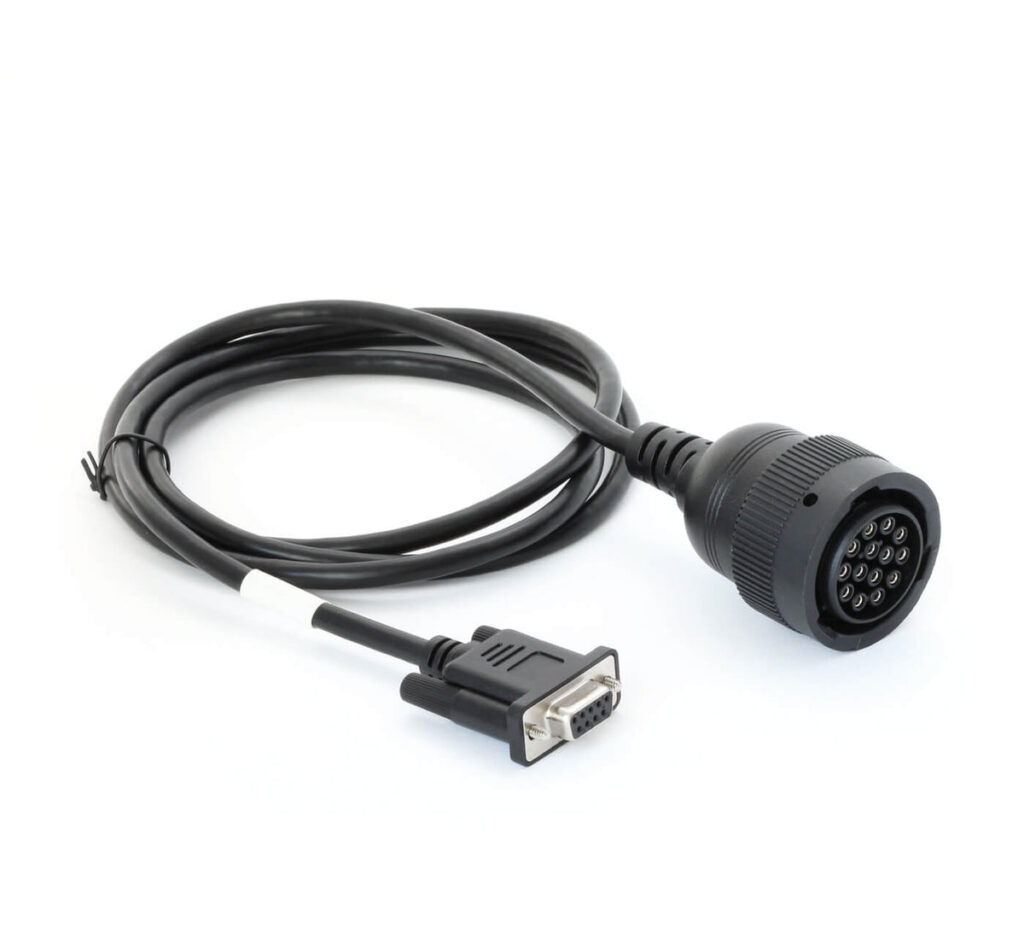
Caterpillar 14-Pin to DB9 Cable
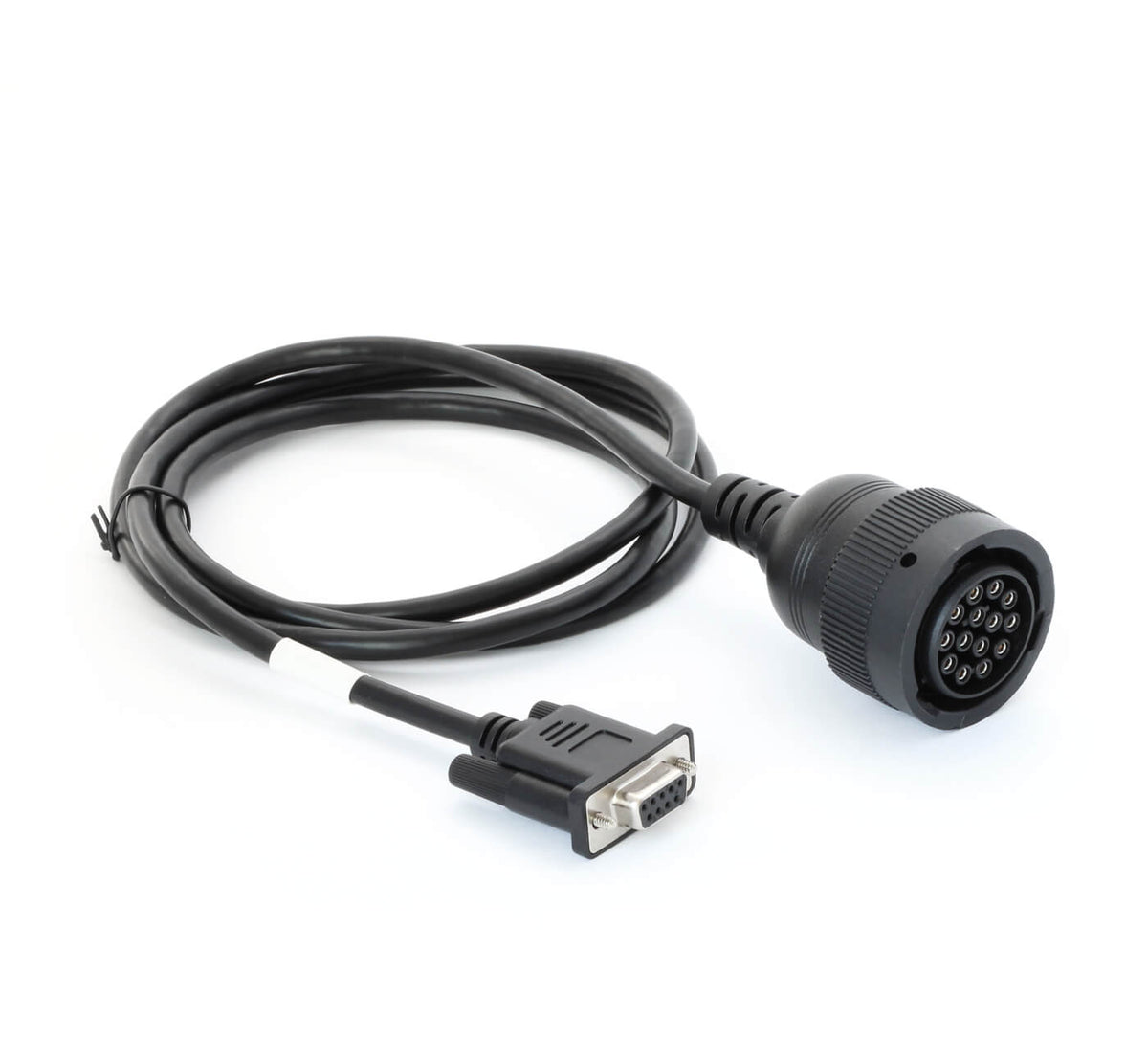
Some Caterpillar machines, including loaders, mining vehicles and other construction equipment, use a round 14-pin diagnostic socket instead of the 9-pin version. This 1.5 m cable connects that socket to a CANedge logger or a CANsub interface, giving direct access to the machine’s J1939 data.
Look for the 14-pin connector in the cab, sometimes behind a panel. The cable wires the first CAN channel and vehicle power to the standard CiA 303-1 DB9 pins, so a CANedge powers up from the socket itself. The cable is RoHS compliant and tested in Denmark by the manufacturer.
Highlights
- Caterpillar 14-pin (female) to DB9 female
- Uses CAN 1 of the Caterpillar socket, plus power and ground
- 1.5 m, 22 AWG (0.5 mm²) cable with overmolded ends
- RoHS compliant
- Compatible with CANedge loggers and CANsub interfaces
Pin-out
| Caterpillar pin | Signal | DB9 pin |
|---|---|---|
| D | CAN 1 L | 2 |
| C | CAN 1 H | 7 |
| B | Power (VCC) | 9 |
| A | GND | 3 |
DB9 pins follow CiA 303-1. Other pins are not connected.
Where it earns its keep
- Mining and quarry machines: log J1939 data from CAT loaders and mining vehicles fitted with the 14-pin socket, for telematics
- Mixed heavy-duty fleets: where only some Caterpillar models carry the 14-pin connector, this cable covers them while the standard J1939 cable covers the rest
- Field diagnostics: a CANsub.4 plus a WiFi router on the machine lets a technician stream and decode J1939 data in webCAN from outside the cab, using the J1939 DBC file
Key Specifications
| Spec | Value |
|---|---|
| Connectors | Caterpillar 14-pin (female) to DB9 female |
| DB9 pin-out | CiA 303-1 (CAN-L 2, GND 3, CAN-H 7, power 9) |
| Cable length | 1.5 m |
| Wire gauge | 22 AWG (0.5 mm²) |
| Compatibility | High-speed CAN (ISO 11898-2), CAN FD, J1939, NMEA 2000 |
| Operating temperature | -20 °C to +80 °C |
| Weight | 170 g |
| Compliance | RoHS |
Frequently asked questions
How do I know if my machine has the 14-pin socket?
Look in the cab, sometimes behind a panel. The 9-pin Caterpillar connector is the more common of the two, so inspect the socket before ordering. If in doubt, send us a photo.
Does the cable power the logger?
Yes. Caterpillar pin B carries vehicle power to DB9 pin 9, which powers a CANedge directly, and pin A provides ground on DB9 pin 3.
Can I use it with a CANsub.4 or CANmod.router?
Yes, through CSS Electronics’ DB25-to-4x DB9 adapter cable, which connects the 4-channel CANsub.4 or CANmod.router to DB9 cables like this one.
Need a quote or help choosing the right setup? Contact Pertech, the authorized CSS Electronics distributor in Israel.
